2wire Drivers
by Arris International, plc
2Wire, Inc. was an American networking company from San Jose, California. The company was formed in 1998, and found early success with a home router/modem combination unit that was mainly used for DSL internet connections. Over the years, 2Wire continued to develop networking products that enabled home users as well as small offices to utilize the emerging broadband technologies available. In 2010, 2Wire was acquired by Pace Plc, which subsequently was acquired by Arris, and now CommScope. One of the most popular 2Wire products was the HomePortal residential gateway, which was the first of its kind at the time it was developed. Another popular product was MediaPortal, which provided consumers with a full entertainment solution combining TV, music, movies and more through the use of DSL and satellite services.
Find 2wire Device Drivers by Model
Popular 2wire Device Categories
Featured 2wire Downloads
Popular 2wire Hardware IDs
Update 2wire Device Drivers Manually
To get the latest driver, including Windows 11 drivers, you can choose from the above list of most popular 2wire downloads. Click the "Download driver" button next to the matching model name. After you complete your download, move on to Step 2.
If your driver is not listed and you know the model name or number of your 2wire device, you can use it to search our driver archive for your 2wire device model. Simply type the model name and/or number into the search box and click the Search button. You may see different versions in the results. Choose the best match for your PC and operating system.
If you don't know the model name or number, you can start to narrow your search down by choosing which category of 2wire device you have (such as Printer, Scanner, Video, Network, etc.). Start by selecting the correct category from our list of 2wire Device Drivers by Category above.
2wire updates their drivers regularly. To get the latest Windows 11 driver, you may need to go to the 2wire website to find the driver for to your specific Windows version and device model.
Once you download your new driver, then you need to install it. To install a driver in Windows, you will need to use a built-in utility called Device Manager. It allows you to see all of the devices recognized by your system, and the drivers associated with them.
In most cases, you will need to reboot your computer in order for the driver update to take effect.
Tech Tip: Driver downloads and updates come in a variety of file formats with different file extensions. For example, you may have downloaded an EXE, INF, ZIP, or SYS file. Each file type has a slighty different installation procedure to follow. For more help, visit our Driver Support Page for step-by-step videos on how to install drivers for every file type.
Update Drivers Automatically
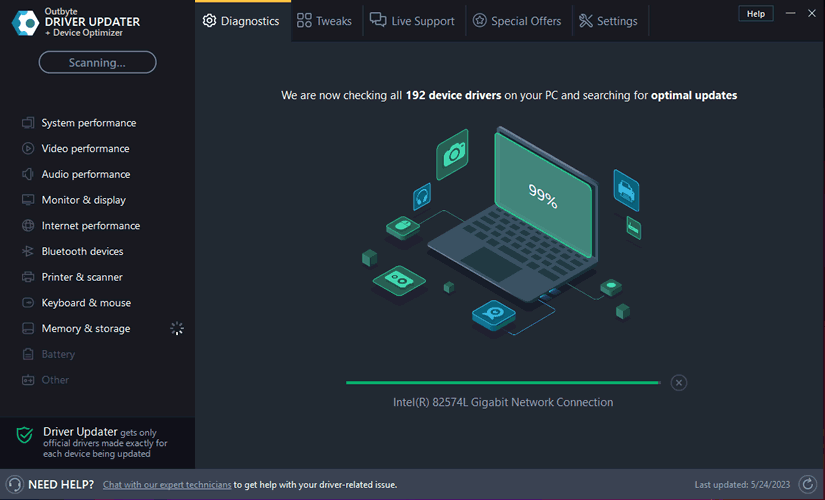
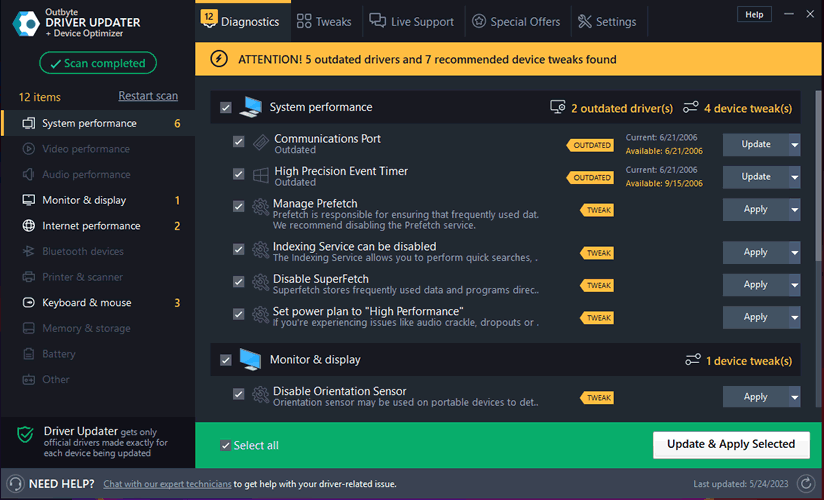
When the scan is complete, the driver update utility will display a results page showing which drivers are missing or out-of-date. You can update individual drivers, or all of the necessary drivers with one click.
With automatic driver updates, you will save time and find the right drivers quickly and easily.